





Machine operating sequence
Get the machine operation sequence
1、Ensure the USB data cable and power cable are connected,Turn on the power
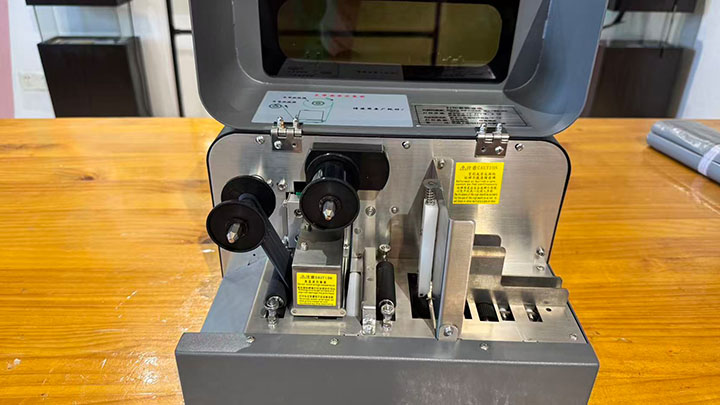
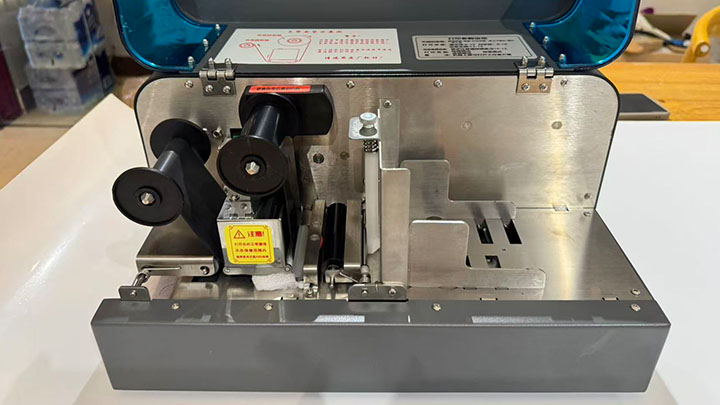
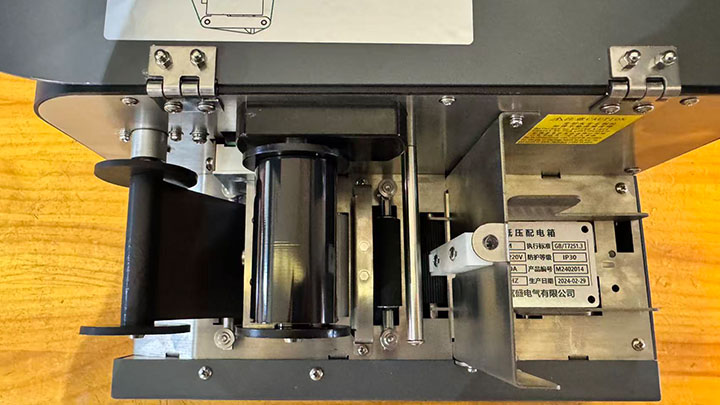
2、Make sure the ribbon is installed correctly
3、Print mode settings: First, confirm whether your material type is a single sign, continuous labels, or pre-cut die-cut labels, and set the corresponding mode according to the display on the machine.
4、Print Mode Selection
1)This machine provides three printing modes
2)Print Density
Set different printing densities according to different materials; as long as the printing is clear,If the concentration is too high, it will stick to the ribbon.And burn the ribbon
5、Open the label editing software and install the print server as prompted.
6、Take the materials you are using and measure the length and width with a ruler.
7、Open the label editing software and configure the size for the corresponding material.
8、Learn to edit interface features and edit content as needed
9、After editing the content, select the comd print.
10、If you choose other office software, you must install the printer driver.
Provide detailed instructions with reference URLs
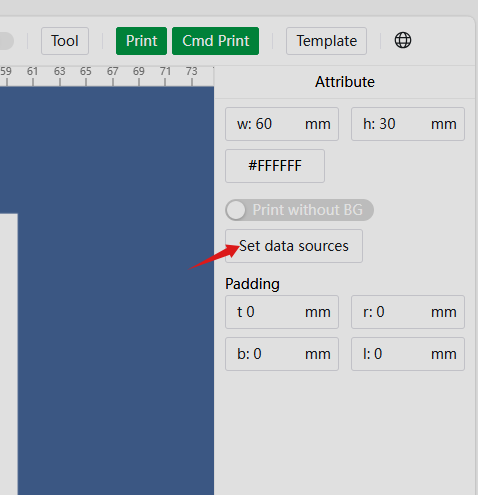
一、How to Set the Page Size in Editing Software:
1)Enter the measured material length value at W
2)Enter the measured width value in H
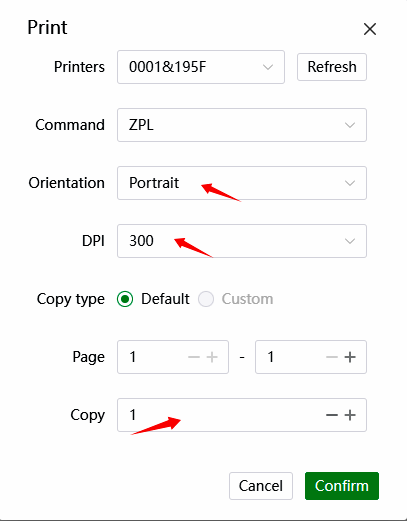
二、Print quantity and page range settings
三、Batch Print Database Import Settings
四、Nameplate Printer M680N: Print Resolution 300DPI
Latest posts
Sep 27, 2025
Sep 27, 2025